

.png?width=665&height=1214&name=Around%20the%20World%20(6).png)
.jpg?width=684&name=Micro%20actions%20EN%20(1).jpg)
HeiaHeia is trusted by hundreds of customers worldwide, from small businesses to multinationals



.png?width=200&height=78&name=administer_logo_rgb_black-tagline%20(1).png)


Meihin luottaa jo sadat asiakkaat - pienistä yrityksistä monikansallisiin jätteihin

.png "70% of users improve wellbeing")

.png "75% reports improved sense of belonging")
.jpg "45 starts (1)")
HeiaHeia: the wellbeing solution for today's workplace
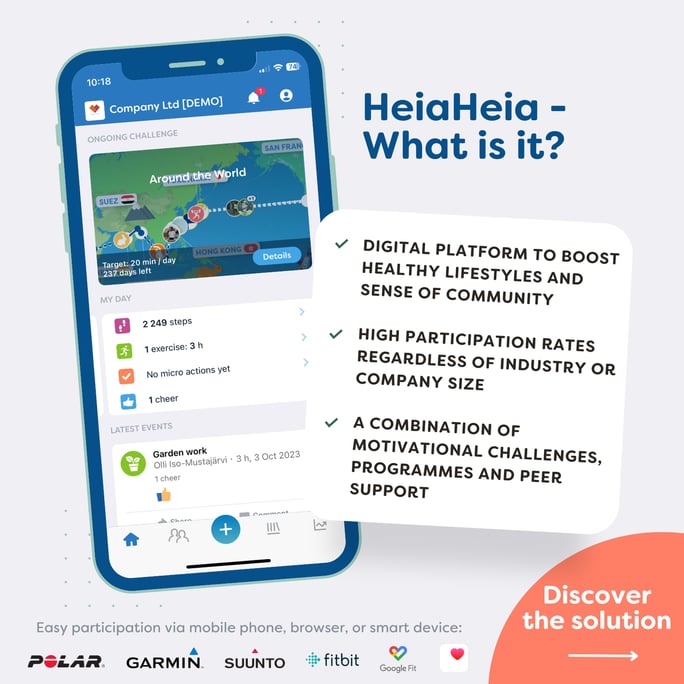
A number of common problems in wellbeing promotion can be solved with HeiaHeia:
❌ Lack of encounters - working alone
❌ Low participation rate in wellbeing programs
❌ Difficult to offer services equally to all
❌ Lack of HR time and bandwidth to organise wellbeing activity
❌ Lack of variety in wellbeing themes (e.g. only step challenges year in year out)

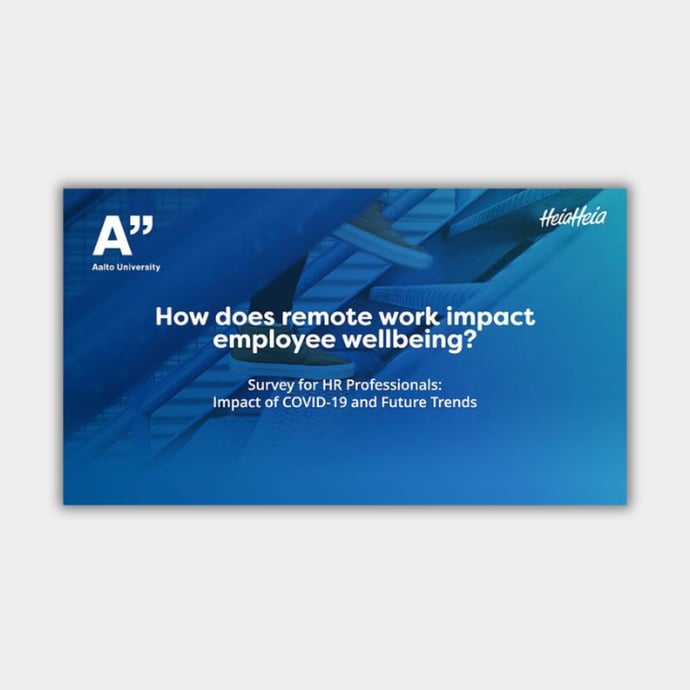
Effortless for the employer
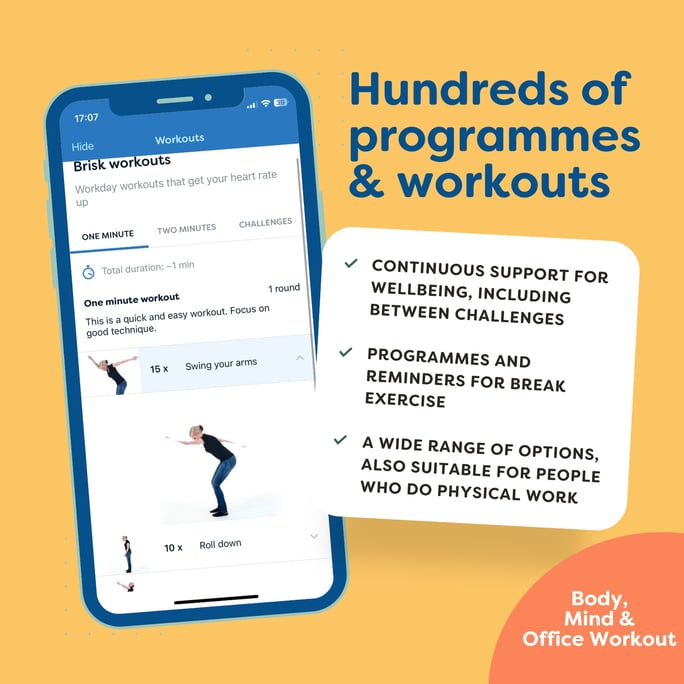
Getting HeiaHeia up and running in your workplace is almost as easy as watching an episode of your favourite TV show on a streaming service. Just like streaming services, we're constantly adding new and inspiring content to our library for the enjoyment of our customers.
In our program, we have all kinds of people from different age groups and backgrounds.

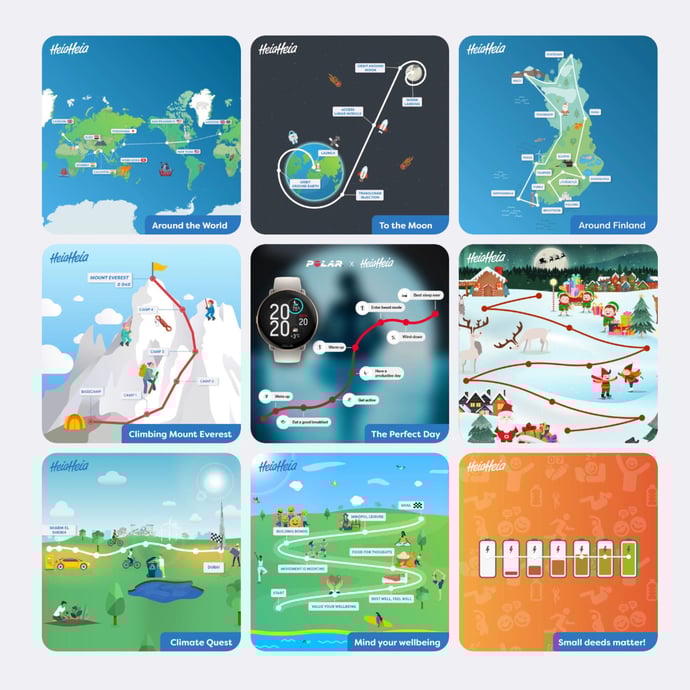
Promote a variety of wellbeing themes
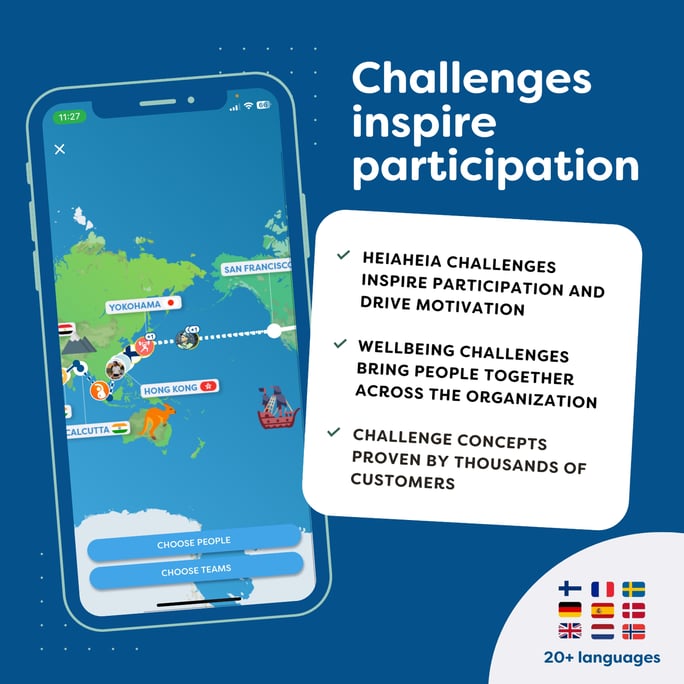
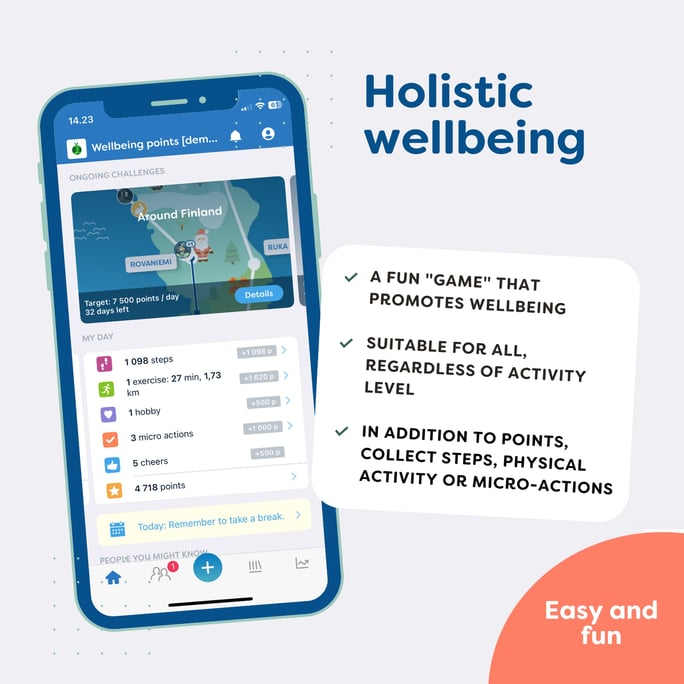
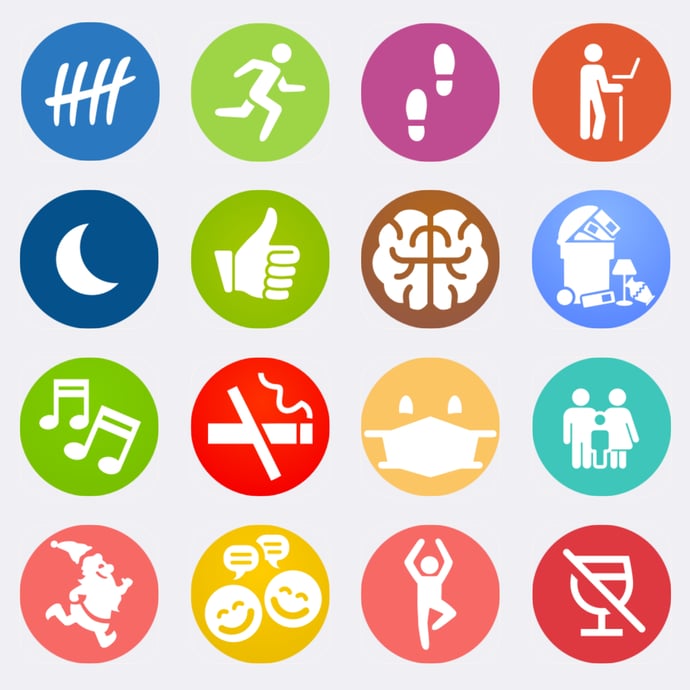
With HeiaHeia, you can inspire a wide range of staff to take concrete action in a fun and effective way. The service supports a wide range of inspirational themes such as exercise, mental well-being, teamwork, nutrition, recovery, community skills, environmental responsibility, safety, etc.
The best thing about HeiaHeia is that we can choose the well-being themes that are important to us.
Customer case
Arla: an active workplace
Arla launched a wellbeing programme for all employees and the results have been impressive.
"You learn things from others that you wouldn't learn at the lunch table"